Introducing the Free Disavow File Generator: Format It Right
Our free disavow file generator turns a messy list of bad links into a disavow.txt in Google's format — corrected, deduplicated, and built in your browser.
- By
- Serpverse Team, SEO Experts
- Published
- Sep 11, 2026
- Read
- 8 min read
- disavow file generator
- free tools
- product update
- toxic backlinks
- google search console
 Serpverse
You've finished the audit. You have a list of links you want Google to ignore — URLs exported from one tool, domains from another, a few rows added by hand. Now it has to become a text file in the one format Search Console's disavow tool accepts, and the details that decide whether each line does what you meant are small enough to miss: a missing prefix, a stray www., a scheme where only a domain belongs.
Today we're shipping a tool that does that part for you: the Disavow File Generator. It's free, there's no account, and your list never leaves your browser. Paste the domains and URLs you want to disavow, and you get a disavow.txt in Google's documented format, with every change it made listed beside it.
What the Disavow File Generator Does
The disavow file generator turns a pasted list of domains and URLs into a file Google's disavow links tool will accept. It puts every line into Google's documented format, removes lines that repeat or that a domain entry already covers, refuses lines that don't belong, and checks the result against Google's size limits.
That's the whole scope. It doesn't decide which links are toxic, and it doesn't upload anything — it's the formatting step you were about to do by hand, done properly.
What a Disavow File Looks Like
A disavow file is plain text with one entry per line. According to Google's documentation(opens in new tab), each entry is one of two things:
- A URL, which disavows links from that one page.
- A domain prefixed with
domain:, which disavows links from the whole domain.
Lines that start with # are comments, and Google ignores them:
# A page on an otherwise legitimate site
https://forum.example.org/thread/123

# Whole domains
domain:link-farm.net
domain:spam-directory.com
The file name has to end in .txt. It can hold at most 100,000 lines and 2 MB — blank and comment lines count toward the limit — and it has to be encoded as UTF-8 or plain ASCII.
Four Ways a Hand-Built Line Falls Short
The format is simple, which is exactly why small slips get through. These four are the common ones:
- A bare domain.
example.comon its own line has nodomain:prefix, so Google reads it as a single URL. It can never disavow the whole site you meant. - A scheme on a domain entry.
domain:https://example.computs a URL where Google's format expects a bare domain. - A path on a domain entry.
domain:example.com/blogtries to narrow a domain entry to part of a site. Google doesn't disavow by subpath: a domain entry means the whole domain, and a single page is listed as its own URL. - A stray
www.domain:www.example.comnames the www subdomain rather than the domain, and Google's launch notes(opens in new tab) say a subdomain entry is, most of the time, read as that subdomain alone — the rest of the site stays in play.
Each one is corrected, and every correction is listed against the line it came from. The file never quietly disagrees with the list you pasted.
Redundant Lines Are Removed and Counted
A domain: entry disavows everything on that domain — every subdomain and every page. Once domain:link-farm.net is in the file, a separate blog.link-farm.net or https://link-farm.net/some-page adds nothing. The generator removes lines like these, along with exact repeats, and tells you how many it removed.
Coverage follows the dots in a hostname, not the letters: domain:spam.com covers blog.spam.com, but never notspam.com. And apart from a leading www., the generator never widens an entry. A domain:someblog.blogspot.com line stays exactly as narrow as you wrote it, because disavowing the whole of a shared host would sweep up every other site on it.
On a list exported from a backlink tool, this is usually the biggest change. Exports tend to include every page a spam domain linked from, and each of those pages becomes redundant the moment its domain is disavowed.
Domain or URL: Which Should You Disavow?
Domain entries, in almost every case — which is why the generator rolls page URLs up to their domains by default. A site that placed one spam link rarely placed only one, and a URL entry stops applying the moment the link moves to another page.
Individual URLs are worth keeping when the site is otherwise legitimate and the problem is confined to one page, such as a spammed forum thread or a comment section on a real publication. Switch the roll-up off and page URLs are kept exactly as written.
What It Won't Put in the File
Some lines should never reach Search Console, and the generator refuses them rather than writing them:
- Your own site. Enter your domain, and any line that would disavow it is flagged and left out — the domain itself, a subdomain, a page on it, or a broader domain entry that would cover it.
- IP addresses. A disavow file names domains and pages, not addresses.
- Anything that isn't a domain or a web page. Typos,
localhost, email addresses andftp://links are listed as skipped, each with the reason. - An empty file. Uploading a new list replaces the one already there, so an empty upload would throw away every entry you had. If nothing in your list survives, there's nothing to copy or download.
Your List Stays in Your Browser
The file is built on the page itself. Nothing you paste is sent to Serpverse, logged, or stored, and the generator keeps working even if you go offline after the page has loaded.
That matters more than it sounds. A list of the links you consider toxic is a map of your backlink profile, and pasting it into a box on someone else's site usually means handing it over.
Built to Google's Limits
The generator counts lines the way Google does — comments and blank lines included — and measures the file's size in bytes. If a file runs over 100,000 lines or 2 MB, it tells you before you try to upload it. Rolling page URLs up to domains is usually enough to bring an oversized file back under.
The output is always plain ASCII, so it reads the same under either encoding Google accepts. Internationalised domains are converted to their punycode spelling, and the conversion is listed with the other corrections.
What It Doesn't Do
Being clear about the edges is what makes the file trustworthy:
- It doesn't decide what to disavow. Which links are harmful is a judgement you make during a backlink profile audit, not something a formatter can know.
- It doesn't upload the file. You upload it yourself in Search Console's disavow links tool(opens in new tab), which works with URL-prefix properties only — Google doesn't support Domain properties there.
- It doesn't work instantly. Google says it can take a few weeks for a list to take effect, as the pages behind it are recrawled.
- It doesn't change third-party reports. Your disavow file is shared with Google alone, so Ahrefs, Moz, and Semrush keep showing disavowed links in their reports.
When a Disavow File Is the Right Call
Most sites never need one. Google's guidance is that it can usually work out which links to trust on its own, and that the tool is for sites with a considerable number of spammy links that have caused — or are likely to cause — a manual action(opens in new tab).
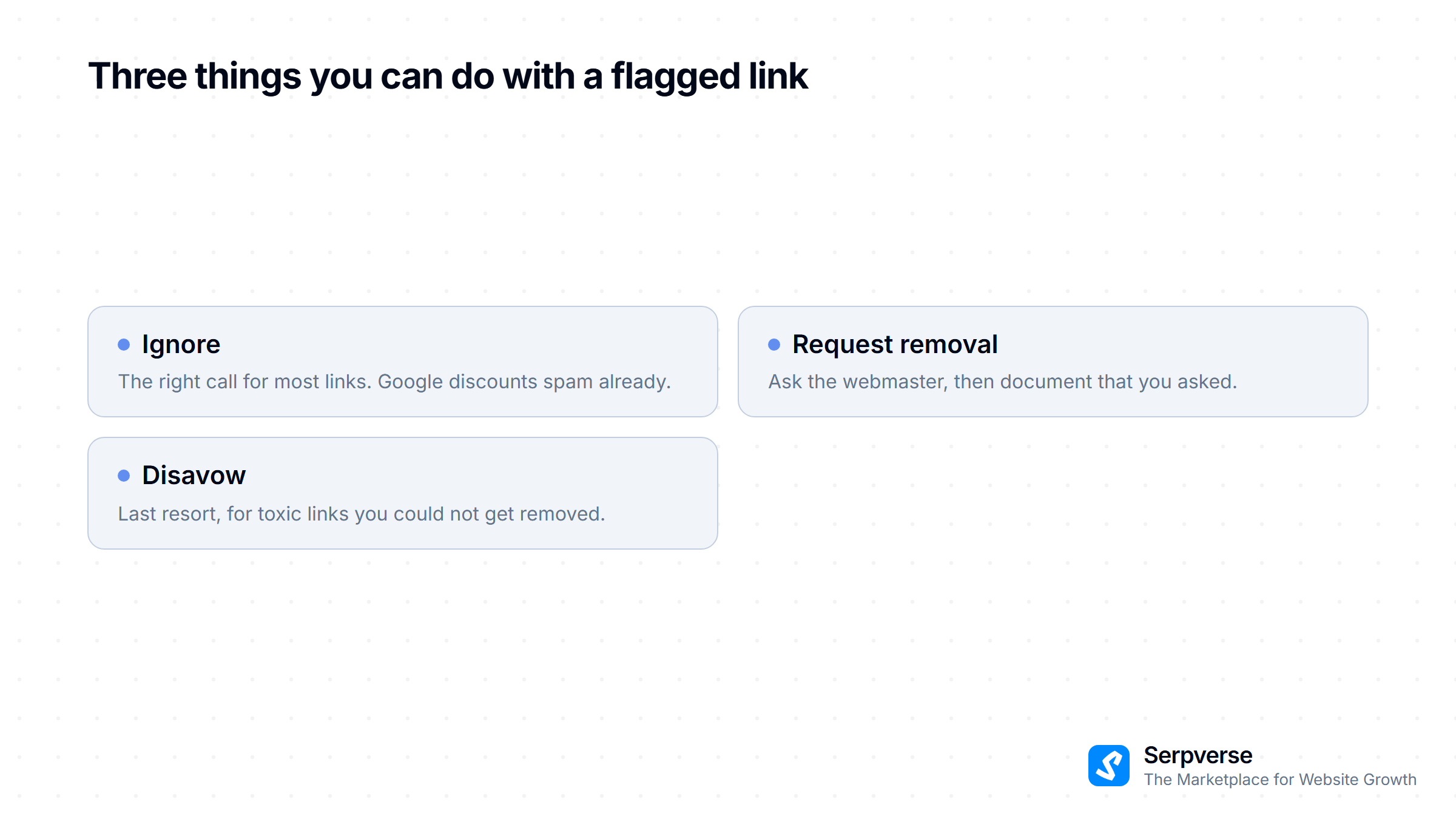
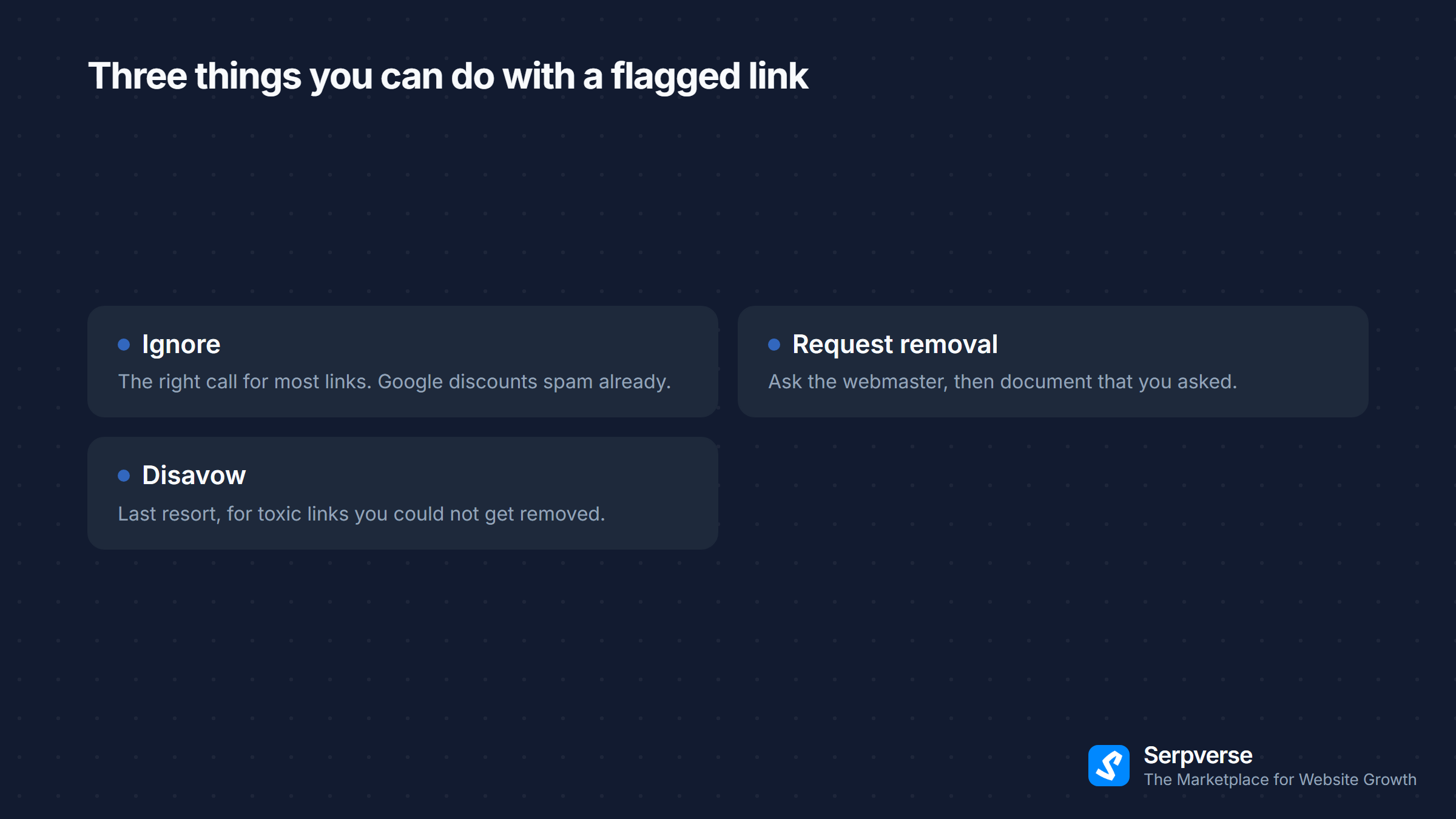
For each flagged link you have three options, and they're worth trying in order. Most flagged links are best ignored, because Google already discounts them. The ones that matter deserve a removal request first. The disavow file is for what's left: links you tried and failed to get taken down.
If you're recovering from a penalty, our guide to cleaning up a black-hat link profile walks through the full sequence, reconsideration request included.
The cheapest disavow file is the one you never have to write. Every site listed on Serpverse passes a manual review before buyers can see it, and PBNs and link farms are rejected outright — so the placements you buy come from sites checked for exactly the patterns that end up in files like this.
Try It
The disavow file generator is live now — find it under Resources → Free Tools in the top menu, next to the backlink checker. No account, no email, and nothing uploaded. Paste your list, and you'll have a file ready for Search Console in one click.
It's the second of our free tools. We built it next because the disavow file is where a careful audit most often goes wrong — after all the judgement has been made, in a text file nobody checks line by line.