How to Audit Your Backlink Profile: Step-by-Step
Learn how to audit your backlink profile with this step-by-step guide. Identify toxic links, assess anchor text health, and protect your SEO rankings.
- By
- Serpverse Team, SEO Experts
- Published
- Feb 17, 2026
- Read
- 16 min read
- backlink audit
- toxic backlinks
- disavow tool
- link analysis
 Serpverse
Why You Need to Audit Your Backlink Profile
Your backlink profile is one of the strongest signals Google uses to determine your site's authority and trustworthiness. But not all backlinks help you. Toxic, spammy, or irrelevant links can actively suppress your rankings — and in severe cases, trigger a manual penalty from Google's webspam team.
A backlink audit is the process of systematically reviewing every link pointing to your site, identifying the harmful ones, and taking corrective action. Think of it as a health check for your site's off-page SEO: you're looking for infections (toxic links), assessing vital signs (anchor text distribution, referring domain diversity), and building a plan to strengthen what's working.
Whether you've inherited a link profile from previous SEO work, noticed a sudden ranking drop, or simply want to maintain your site's health proactively, a regular backlink audit is essential. This guide walks through the entire process step by step.
Before You Start: Tools You'll Need
A proper backlink audit requires data — and you'll need at least one backlink analysis tool to extract it. Here are the most widely used options:
| Tool | Strengths | Cost |
|---|---|---|
| Ahrefs(opens in new tab) | Largest backlink index, best for comprehensive analysis | Paid (from $99/month) |
| Semrush(opens in new tab) | Built-in toxic link scoring, integrated audit workflow | Paid (from $129/month) |
| Moz Link Explorer(opens in new tab) | Spam Score metric, beginner-friendly interface | Free tier available, paid for full data |
| Google Search Console(opens in new tab) | Free, shows links Google has actually discovered | Free |
Recommended approach: Use Google Search Console as your baseline (it's free and shows what Google actually sees), then supplement with Ahrefs or Semrush for deeper analysis. Google Search Console alone doesn't provide metrics like domain authority or spam scores, which you'll need for toxic link identification.
Step 1: Export Your Complete Backlink Data
Start by pulling a full export of every backlink pointing to your domain. This gives you the raw dataset you'll analyze throughout the audit.
From Google Search Console
- Navigate to Links in the left sidebar
- Click Export External Links in the top right
- Download as a spreadsheet (Google Sheets or CSV)
This export includes all links Google has discovered, organized by linking page and target page. It's the most authoritative source because it represents what Google actually knows about — but it may not include very new links or links from pages Google hasn't recently crawled.
From Ahrefs or Semrush
- Enter your domain in the Site Explorer (Ahrefs) or Backlink Analytics (Semrush)
- Navigate to the Backlinks report
- Export the full list with all available columns
These tools typically provide more data points per link: referring domain authority, anchor text, link type (dofollow/nofollow), first and last seen dates, and traffic estimates for the linking page.
Consolidate Your Data
If you're using multiple sources, combine the exports into a single spreadsheet and deduplicate by linking URL. You want one comprehensive dataset with these columns at minimum:
- Linking page URL
- Linking domain
- Target page URL on your site
- Anchor text
- Link type (dofollow / nofollow / sponsored / ugc)
- Domain authority or domain rating of the linking domain
- First discovered date
- Spam score (if available)
Step 2: Assess Your Referring Domain Profile
Before looking at individual links, zoom out and evaluate the health of your overall referring domain profile. This gives you a high-level picture of whether your link building is trending in the right direction.
Key Metrics to Check
Total referring domains: How many unique websites link to you? This is more important than total backlink count. A site with 500 links from 200 domains is healthier than one with 500 links from 20 domains. For a deeper dive into why this distinction matters, see our guide on referring domains vs. total backlinks.
Referring domain growth trend: Is the number of referring domains growing steadily, plateauing, or declining? In Ahrefs, check the "Referring Domains" graph for the past 12 months. Steady growth signals healthy link building. Sudden spikes or drops warrant investigation.
Authority distribution: What's the authority range of your referring domains? A healthy profile has a natural bell curve: many low-to-mid authority sites, some high-authority sites, and very few extremely high authority sites. If your profile is dominated by DA 5–10 domains with no mid-range or high-authority sites, your link building strategy needs adjustment.
Top linking domains: Which sites link to you most frequently? A single domain providing 30%+ of your total backlinks creates a dependency risk. If that domain goes offline, changes their content, or removes your links, your authority takes a disproportionate hit.
Step 3: Identify Toxic and Spammy Backlinks
This is the core of the audit — systematically identifying links that may be harming your rankings. Not every low-quality link is toxic, but certain patterns are clear red flags.
Red Flags That Indicate a Toxic Link
| Signal | What It Looks Like | Risk Level |
|---|---|---|
| Spam score above 60% | Moz Spam Score or equivalent metric flags the domain | High |
| Foreign language, irrelevant niche | A Chinese gambling site linking to your English SaaS blog | High |
| Private Blog Network (PBN) | Thin content, no real traffic, exists solely for link placement | High |
| Link farm / directory spam | Hundreds of outbound links per page, no editorial value | High |
| Sitewide links | Your link appears in the footer or sidebar of every page on a site | Medium |
| Paid link with exact-match anchor | Obvious commercial anchor from a low-quality site | Medium |
| Hacked page | Linking page contains injected links unrelated to the page content | High |
| Unrelated niche | A cooking blog linking to your cybersecurity product | Low–Medium |
Using Automated Toxic Link Detection
Both Semrush and Ahrefs offer automated toxic link scoring:
- Semrush Backlink Audit — Assigns a "Toxic Score" from 0–100 for each backlink based on 45+ signals. Links scoring above 60 are flagged for review.
- Ahrefs — Doesn't have a native toxic score, but you can filter by Domain Rating (DR 0–10), check for links from domains with no organic traffic, and cross-reference with Moz's Spam Score.
Automated scores are a starting point, not a verdict. Always manually review flagged links before taking action. Some legitimate sites have low metrics (new sites, niche communities), and some spammy sites have artificially inflated metrics.
Manual Review Process
For links flagged as potentially toxic, visit the actual linking page and check:
- Does the page have real content? If it's a wall of links or auto-generated text, it's spam.
- Does the site have real traffic? Check in Ahrefs or SimilarWeb. Zero organic traffic from a domain that's been live for years is suspicious.
- Is the link contextually relevant? Does the surrounding content have any relationship to your site?
- Is the anchor text natural? Over-optimized exact-match anchors from low-quality sites are a strong negative signal.
- Are there other warning signs? Excessive outbound links, hidden text, doorway pages, or cloaked redirects.
Step 4: Analyze Your Anchor Text Distribution
Anchor text analysis reveals whether your backlink profile looks natural or manipulated. Google pays close attention to anchor text patterns, and an unnatural distribution is one of the most reliable indicators of link scheme participation.
What a Natural Anchor Text Profile Looks Like
When links accumulate organically — people linking to your content because they find it genuinely useful — the anchor text is naturally diverse:
| Anchor Type | Example | Healthy Range |
|---|---|---|
| Branded | "Serpverse", "the Serpverse team" | 30–50% |
| Naked URL | "serpverse.io", "https://serpverse.io/blog(opens in new tab)" | 10–20% |
| Generic | "click here", "this article", "read more" | 10–20% |
| Partial match | "guest post marketplace for link building" | 10–15% |
| Exact match | "buy guest posts" | 3–8% |
| Other | Image alt text, brand + keyword combinations | 5–10% |
Warning Signs in Anchor Text
- Exact match keyword anchors exceed 15% — This is the most common over-optimization signal. If a third of your links use the same commercial keyword as anchor text, it looks manufactured.
- No branded anchors — Every real business accumulates branded links naturally. A profile with zero brand name anchors but many keyword anchors is highly suspicious.
- Anchor text doesn't match link target — An anchor that says "best project management software" linking to your blog's "about" page makes no sense and signals manipulation.
- Foreign language anchors to English pages — Unless your business operates internationally, links with Chinese, Russian, or Arabic anchor text pointing to your English site are likely spam.
How to Fix an Over-Optimized Anchor Profile
If your audit reveals anchor text issues, you have two approaches:
- Dilute with natural links — Earn more branded and generic anchors through content marketing, digital PR, and guest posts with natural anchor text. Over time, the problematic anchors become a smaller percentage of the total.
- Remove the problematic links — If specific manipulative links are identifiable, pursue removal (contact the webmaster) or disavow.
The first approach is almost always preferable. Removal and disavow are last resorts for clearly toxic situations.
Step 5: Evaluate Link Velocity and Growth Patterns
Link velocity — the rate at which you acquire new backlinks — should correlate with your content publishing cadence and overall business growth. Abnormal patterns catch Google's attention.
What to Look For
Sudden spikes followed by flat periods: If your backlink graph shows a huge spike of 200 links in one week followed by months of nothing, it suggests a purchased link package rather than organic growth. Natural link profiles grow gradually with occasional bumps around viral content or media coverage.
Steady link loss: If you're consistently losing more links than you're gaining, investigate why. Common causes: linking sites going offline, content being removed or restructured, or links being deliberately removed by webmasters. Placements you paid for are worth chasing individually — a guest post link removed by a publisher is often restored with one email, provided you catch it early.
Unnatural patterns tied to anchor text: If a spike in new links all share the same anchor text, it's an obvious manipulation signal regardless of the linking domains' quality.
Healthy Link Velocity Benchmarks
There's no universal "right" velocity — it depends on your industry, content output, and existing authority. But as a general guide:
- New sites (under 1 year): 5–20 new referring domains per month from active link building is healthy
- Established sites: Growth should roughly track your content publishing rate and marketing activity
- Large sites: Can sustain higher velocity naturally due to brand recognition and existing content assets
Step 6: Take Action — Remove, Disavow, or Ignore
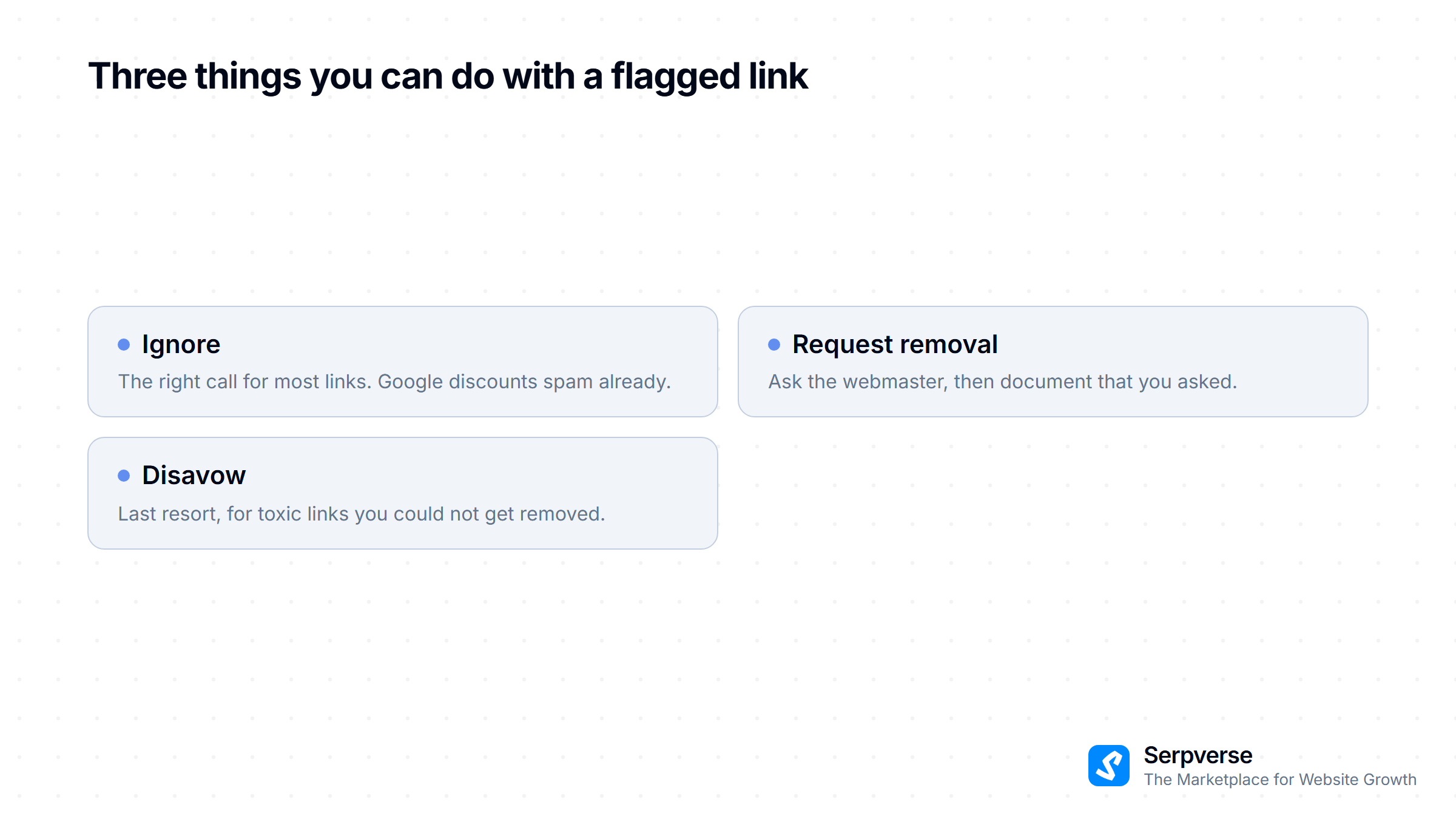
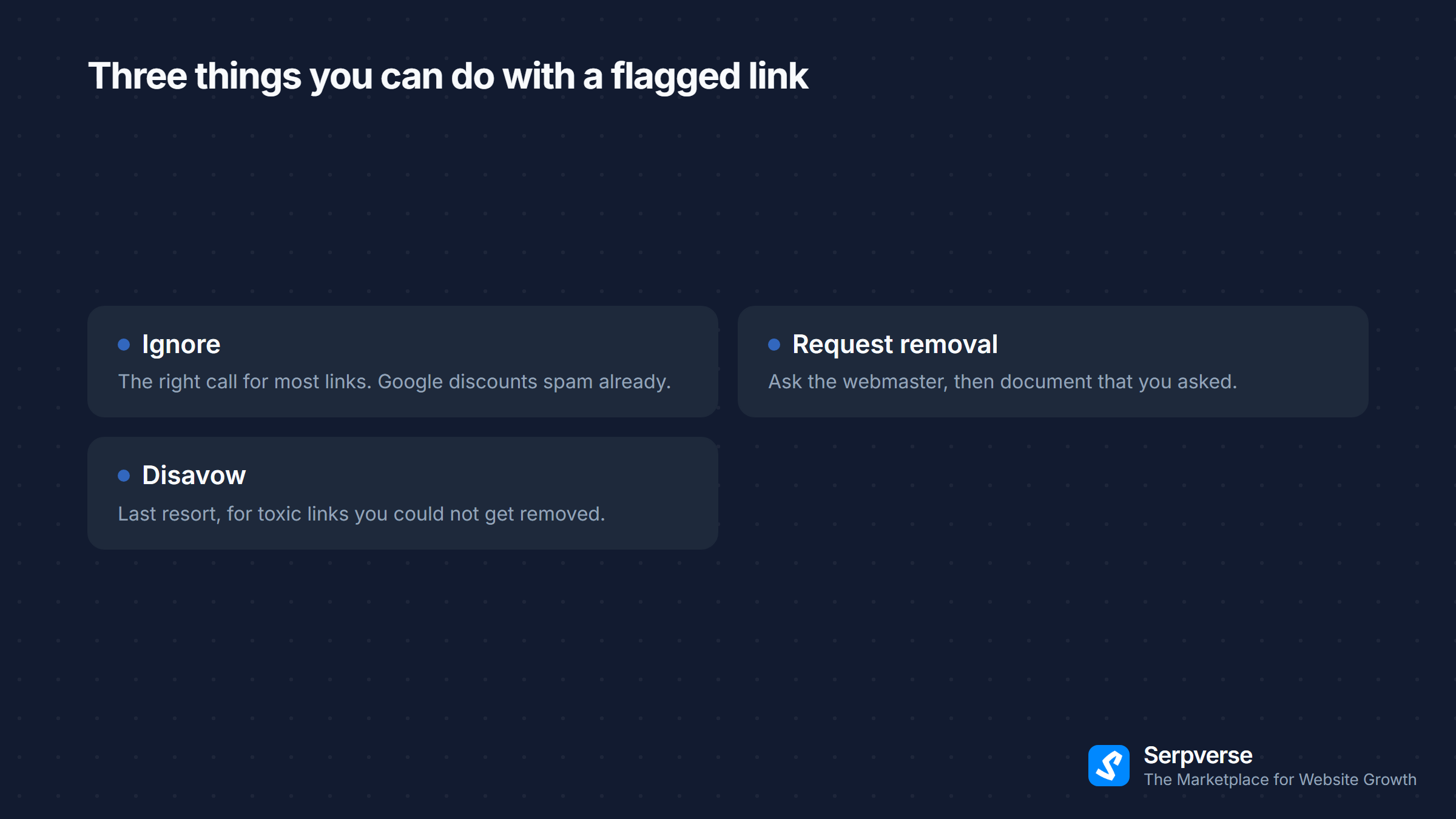
After completing your analysis, categorize every flagged link into one of three action buckets:
Ignore (Most Links)
The majority of low-quality links should be left alone. Google's algorithm is sophisticated enough to discount most insignificant spam without you needing to intervene. Only take action on links that are clearly manipulative or from penalized networks.
Request Removal (Second Choice)
For links you've confirmed are harmful, try contacting the webmaster to request removal:
- Find the site owner's contact email (check the site's contact page, WHOIS data, or use Hunter.io)
- Send a brief, polite email explaining which link you'd like removed and why (our outreach email templates include a link removal request template)
- Follow up once after 7–10 days if no response
- Document your removal attempts — Google appreciates evidence that you tried before resorting to disavow
Expect a low success rate. Many spammy sites are abandoned or run by unresponsive operators. Removal attempts are worth trying for high-risk links but shouldn't consume excessive time.
Disavow (Last Resort)
Google's Disavow Tool(opens in new tab) tells Google to ignore specific links or entire domains when calculating your rankings. Use it when:
- You've identified clearly toxic links that you can't get removed manually
- You've received a manual action notification specifically citing unnatural links
- Your site was previously targeted by a negative SEO attack (rare, but it happens)
How to create a disavow file — by hand in the format below, or by pasting your list into our free disavow file generator, which writes every line in this format and drops the ones a domain entry already covers:
# Toxic links identified during backlink audit
# Date: 2026-03-02
# Reason: PBN links from previous SEO vendor

# Individual page removals
https://spam-site-1.example.com/blog/your-keyword-anchor
https://spam-site-2.example.com/resources

# Domain-level disavows (all links from these domains)
domain:link-farm.example.com
domain:pbn-network.example.com
domain:spammy-directory.example.com
Upload this file to the Disavow Tool in Google Search Console. Effects typically take several weeks to materialize as Google recrawls the disavowed pages.
Step 7: Build Your Audit into a Recurring Process
A single audit is valuable. A recurring audit process is transformational. Here's how to make backlink auditing a sustainable part of your SEO workflow.
Create an Audit Schedule
| Activity | Frequency | Time Required |
|---|---|---|
| Full comprehensive audit | Every 6 months | 4–8 hours |
| Quick health check (new links, lost links, anchor text) | Monthly | 30–60 minutes |
| Reactive audit (after ranking drop or algorithm update) | As needed | 2–4 hours |
Set Up Automated Monitoring
Most backlink tools offer alert features:
- Ahrefs Alerts — Get notified when you gain or lose backlinks from important domains
- Google Search Console — Check the Links report monthly for significant changes
- Semrush Backlink Audit — Schedule automated audits that flag new toxic links
Automated monitoring catches problems early, before they accumulate into ranking-impacting issues.
Document and Compare
Keep records of each audit:
- Total referring domains at time of audit
- Number of toxic links identified and action taken
- Anchor text distribution percentages
- Key metrics trend (DA/DR, organic traffic, referring domain count)
Comparing audits over time reveals whether your link building strategy is producing healthy, sustainable growth or accumulating technical debt that will eventually cause problems. Pairing your audit with a competitor backlink analysis reveals not just where you have problems, but where you're missing opportunities.
Backlink Audit Checklist
Use this checklist to ensure you cover everything during each audit:
Data Collection:
- Export backlinks from Google Search Console
- Export backlinks from Ahrefs, Semrush, or Moz
- Consolidate and deduplicate into a single dataset
Referring Domain Health:
- Check total referring domain count and growth trend
- Review authority distribution (are you skewed too low?)
- Identify domains that contribute a disproportionate number of links
Toxic Link Identification:
- Run automated toxic scoring (Semrush) or spam analysis (Moz)
- Manually review all links flagged above the toxic threshold
- Check for PBN patterns, link farms, and irrelevant foreign-language sites
Anchor Text Analysis:
- Calculate anchor text distribution by type (branded, exact match, generic, etc.)
- Flag any anchor type exceeding healthy range thresholds
- Identify specific over-optimized anchors tied to commercial keywords
Link Velocity:
- Review 12-month link acquisition graph for unnatural patterns
- Check for spike-and-drop patterns suggesting purchased link packages
- Verify growth rate aligns with content publishing and marketing activity
Action Items:
- Categorize flagged links: ignore, request removal, or disavow
- Send removal requests for high-risk links with webmaster contact info available
- Create or update disavow file for confirmed toxic links
- Document all findings and actions for comparison with future audits
Key Takeaways
A backlink audit isn't just defensive maintenance — it's a strategic exercise that informs your entire link building approach. Here's what to remember:
- Audit proactively, not just reactively — Don't wait for a ranking drop. Regular audits catch problems early and reveal opportunities.
- Use data from multiple sources — Google Search Console shows what Google sees; third-party tools provide the metrics you need for evaluation.
- Focus on referring domain health over individual link counts — diversity and authority distribution matter more than raw numbers.
- Anchor text distribution is a critical health indicator — Over-optimization here is one of the most common causes of algorithmic suppression.
- Be conservative with the Disavow Tool — Most low-quality links should be ignored. Only disavow links that are clearly toxic and that you can't get removed manually.
- Make auditing a recurring habit — The audit itself is less important than the trend it reveals over time.
Your backlink profile is a living asset that reflects every link building decision you've ever made. Regular audits ensure it stays healthy, and healthy backlink profiles drive sustainable rankings growth.