Content Refresh: Update Old Posts to Reclaim Rankings
A practical content refresh workflow to update decaying posts, recover lost rankings, and turn aging pages into fresh backlink targets that still rank.
- By
- Serpverse Team, SEO Experts
- Published
- Jul 9, 2026
- Read
- 9 min read
- content refresh
- content strategy
- SEO
- on-page SEO
- rankings
 Serpverse
Rankings are not permanent. A post that sat at position three for a year quietly slides to position eight, then to page two, and your traffic erodes without a single alarm going off. The fix is rarely a brand-new article. A content refresh — updating an existing page so it once again matches what searchers and Google reward — is the fastest, cheapest way to reclaim rankings you have already earned. Content refresh SEO works precisely because the page has history: links, age, and indexation a new URL would take months to build.
This guide covers what a content refresh is, why content decays, how to find the pages worth refreshing, the step-by-step process, and how to measure whether it worked.
What Is a Content Refresh?
A content refresh is the systematic update of an existing published page — its facts, structure, intent match, links, and metadata — to restore or improve its search rankings, while keeping the same URL. You are not starting over. You are repairing and upgrading an asset that already has equity.
The critical detail is the URL. Because you refresh in place, the page keeps every backlink, its accumulated age, and its existing position in Google's index. Those signals are exactly what make refreshing outperform rewriting from scratch.
Content Refresh vs. Content Repurposing
These two tactics get conflated constantly, and they solve different problems.
| Content Refresh | Content Repurposing | |
|---|---|---|
| Goal | Reclaim rankings on an existing page | Reach new audiences on new channels |
| Output | The same URL, improved | A new asset (video, thread, infographic) |
| URL | Unchanged | New, or off-site entirely |
| Backlinks | Preserved on the original | Earned freshly per new asset |
A refresh updates one page in place. Repurposing turns that page's research into a YouTube video, a LinkedIn thread, or a slide deck living somewhere else. They are complementary, not interchangeable. If you want the full breakdown of the second tactic, see our guide on how to repurpose content for SEO and link building. This article is strictly about the first: improving the page that already exists.
Why Content Decays
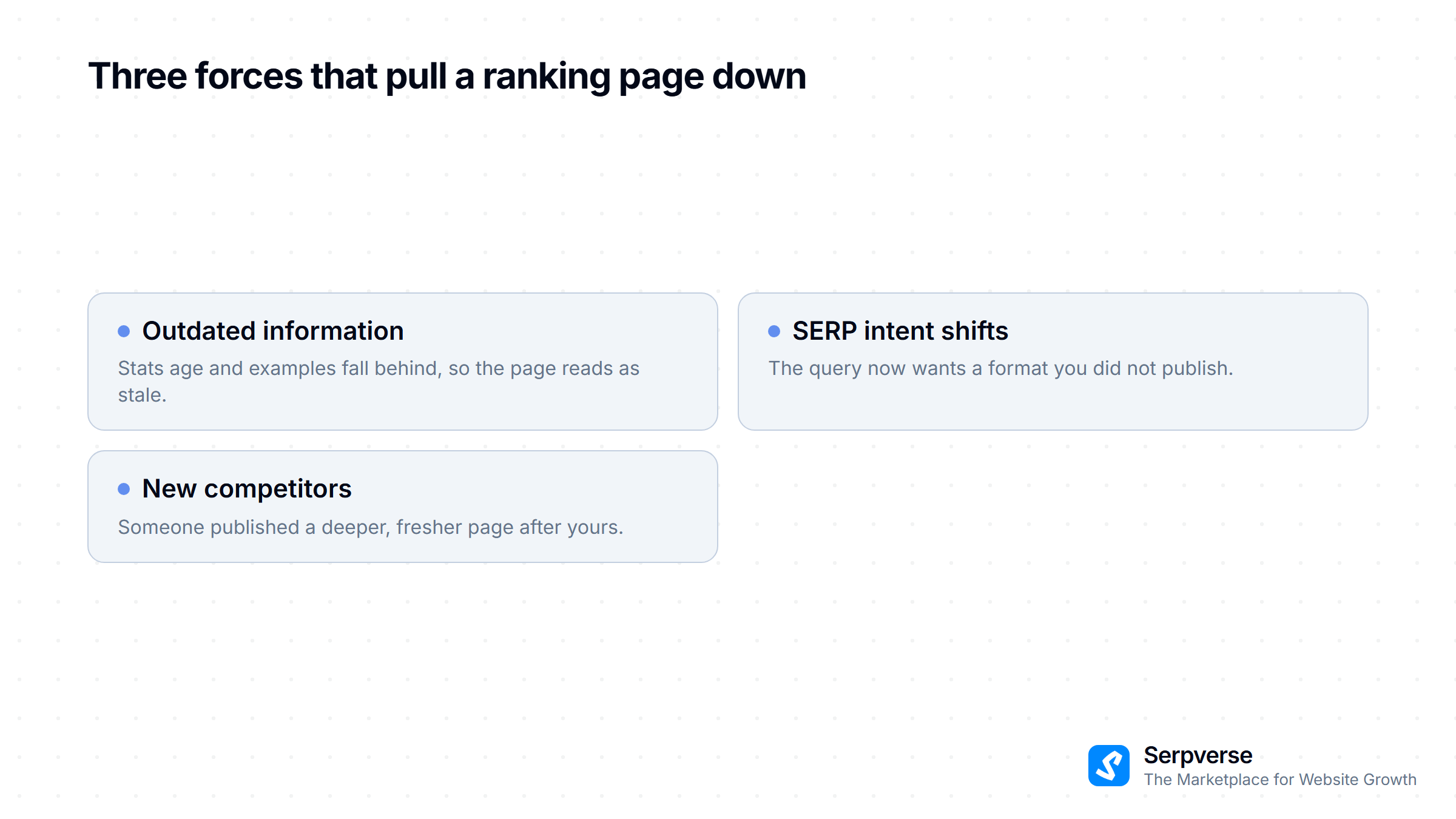
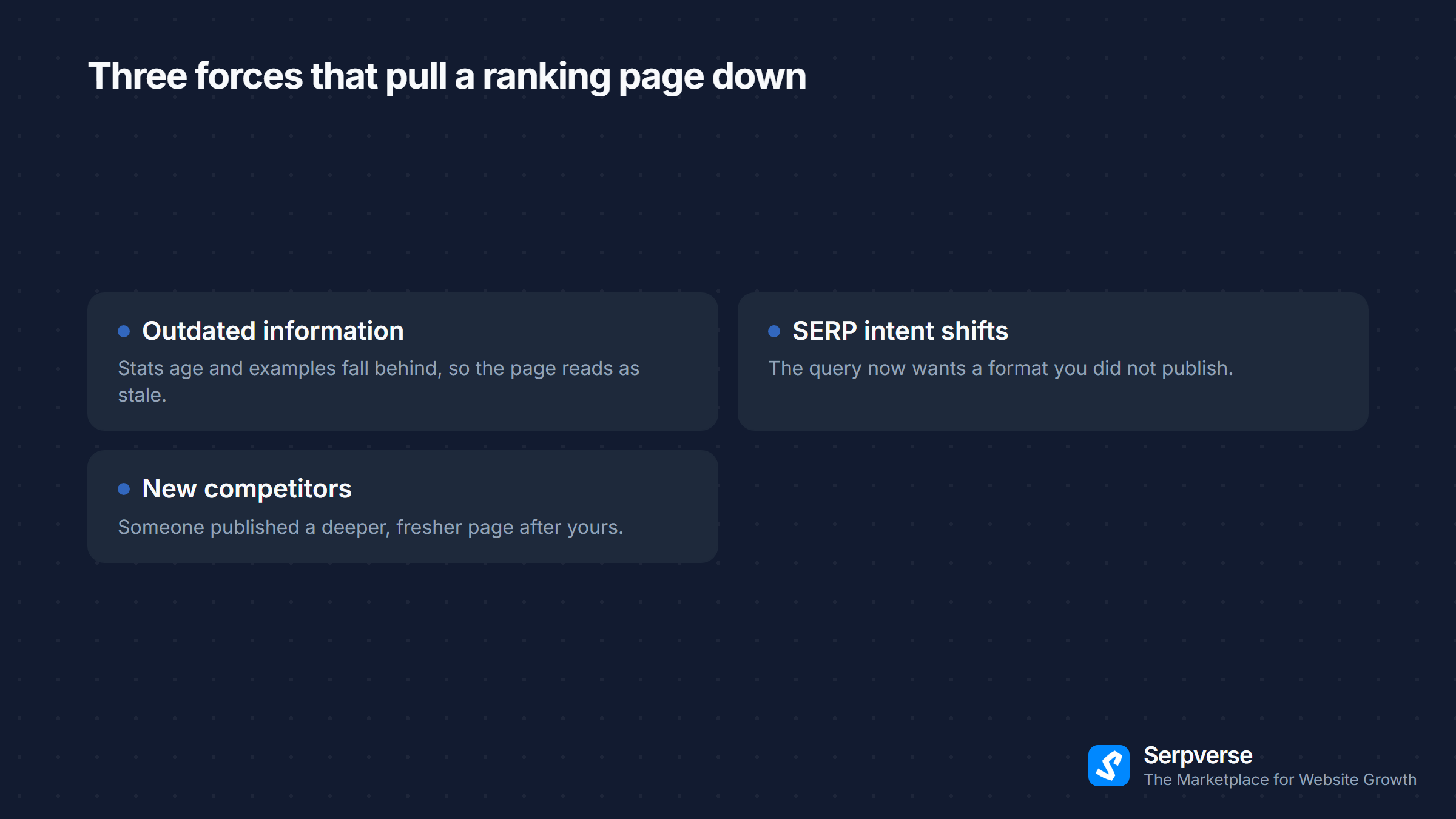
Content does not lose rankings because Google dislikes old pages. It loses rankings because the world around the page changes while the page stands still. Three forces drive the decay.
- Outdated information. Stats age, tools get renamed or sunset, screenshots show old interfaces, and "the latest" example becomes three versions behind. Once a page reads as stale, both users and Google lose trust in it.
- SERP intent shifts. The query you ranked for changes meaning. A search that once wanted a definition now wants a comparison table or a tool. If your format no longer matches the dominant intent, Google reshuffles you down regardless of quality.
- New competitors. Someone published a deeper, fresher, better-structured page after yours. They are not beating you on domain authority; they are beating you on relevance and recency for that specific query.
How to Identify Refresh Candidates
You cannot refresh everything, so triage. The best candidates share recognizable signals you can pull from Google Search Console and your analytics in under an hour.
- Declining traffic or rankings. Compare the last 90 days against the prior period in Search Console. Pages with a downward clicks-and-impressions trend are decaying in real time.
- Stuck on page two. Pages ranking in positions 11–20 are the single highest-leverage group. They are one strong refresh away from page one, where the clicks actually live.
- Outdated stats or dates. Any page citing data from several years ago, referencing deprecated tools, or carrying an old "updated" date signals staleness to readers and to Google.
- High-impression, low-CTR pages. If a page gets impressions but few clicks, the ranking exists but the title and meta no longer earn the click — a fast, high-return refresh.
- Thin pages that once ranked. Articles that have since been out-covered by more comprehensive competitors.
Prioritize candidates by potential impact: a page sitting at position 11 with high impressions beats a page at position 60 every time. Refresh where a small move produces a large traffic gain.
The Content Refresh Process: Step by Step
Once you have a candidate, work through it methodically. Skipping steps is how a "refresh" becomes a cosmetic date change that moves nothing.
- Update facts, stats, and dates. Replace aged statistics with current figures from primary sources. Fix outdated tool names, prices, screenshots, and examples. Every claim should be accurate as of today.
- Re-match current search intent. Search your target keyword and study the live top results. If they are now listicles, comparison tables, or how-to formats and you are a wall of prose, restructure to match what Google is rewarding for that query.
- Expand thin sections. Add the subtopics competitors cover that you skip. Answer the follow-up questions a reader has after each section. Depth where the page is shallow, not padding for word count.
- Strengthen E-E-A-T. Add first-hand experience, concrete examples, and original analysis. Make author expertise visible. Google's guidance on creating helpful content(opens in new tab) is the standard to measure against — content that demonstrates real experience and expertise is what its systems reward.
- Fix and refresh links. Repair broken outbound links, swap dead citations for live authoritative sources, and add internal links to newer related articles. Pull in fresh internal links from your recent content back to this page, too — a deliberate internal linking strategy compounds the refresh's gains.
- Update the title tag and meta description. Re-optimize for the keyword and for click-through. If the title underperforms on CTR, rewrite it. The broader page-level work is covered in our on-page SEO checklist.
- Re-promote the refreshed page. A refresh is a relaunch. Re-share it, email your list, and resubmit the URL in Search Console so Google recrawls it promptly.
Should You Update the Published Date?
Update the date only when the change is genuinely substantial — rewritten sections, new data, restructured content. Use an updatedAt or "last updated" field rather than overwriting the original publishedAt, so the page's real history stays intact and the freshness signal is honest.
Do not bump the date on a page you barely touched. Fake freshness is transparent to readers and adds no durable value; Google rewards genuinely updated content, not a changed timestamp. The date should reflect reality.
How to Measure Refresh Impact
A refresh is a hypothesis: "this page will recover rankings." Measure whether it did, using the same Search Console data you used to find the candidate.
- Average position. Track the target keyword and the page's overall position before and after. Recovery is the headline metric.
- Clicks and impressions. Watch the 28-day trend in Search Console post-refresh. Rising impressions mean Google is re-evaluating the page; rising clicks mean the new title and content are landing.
- Click-through rate. If you rewrote the title and meta, CTR is the direct readout on whether the rewrite worked.
- Indexation recrawl. Confirm in Search Console that Google has recrawled the updated page; ranking changes follow the recrawl, not the edit.
Give it time. Rankings rarely move the day after a refresh — Google has to recrawl, re-evaluate, and re-rank. Expect a few weeks before the trend is readable. For realistic timelines on how long SEO movement takes, see how long SEO takes to work.
Refreshed Pages Make Excellent Backlink Targets
Here is the step most teams miss. A page you just refreshed is, by definition, your most current and comprehensive take on its topic. That makes it the ideal target for a fresh link-building push.
The logic compounds. The refresh lifts the page's relevance and rankings; new backlinks then send authority to a page that is finally good enough to convert that authority into top positions. Pointing links at a stale, decaying page wastes them — the on-page signals can't capitalize on the equity. Refresh first, then build links to the improved version.
Refreshed pages are also easier to pitch. "We just published updated 2026 data on X" is a far stronger outreach hook than promoting a years-old article. The freshness that helps you rank also helps you earn the links that help you rank more. For ideas on shaping pages that attract links, see content that earns backlinks.
This is where a marketplace fits naturally. Once a refreshed page is your strongest asset on a topic, Serpverse connects you with vetted publishers so you can place contextual backlinks on relevant sites — directing fresh authority to a page that is now built to use it.
Build Refreshing Into Your Routine
The teams that win on search treat content as a portfolio to maintain, not a backlog to clear. Set a recurring cadence — quarterly is a sensible default — to audit your top pages, catch decay early, and refresh before rankings slide far enough to hurt.
Start now. Open Search Console, sort your pages by declining clicks, and find the one sitting at position 11 with strong impressions. Refresh it this week using the process above, log the date, and watch the position over the next month. That single recovered page is usually worth more than the next new article you would have written instead.